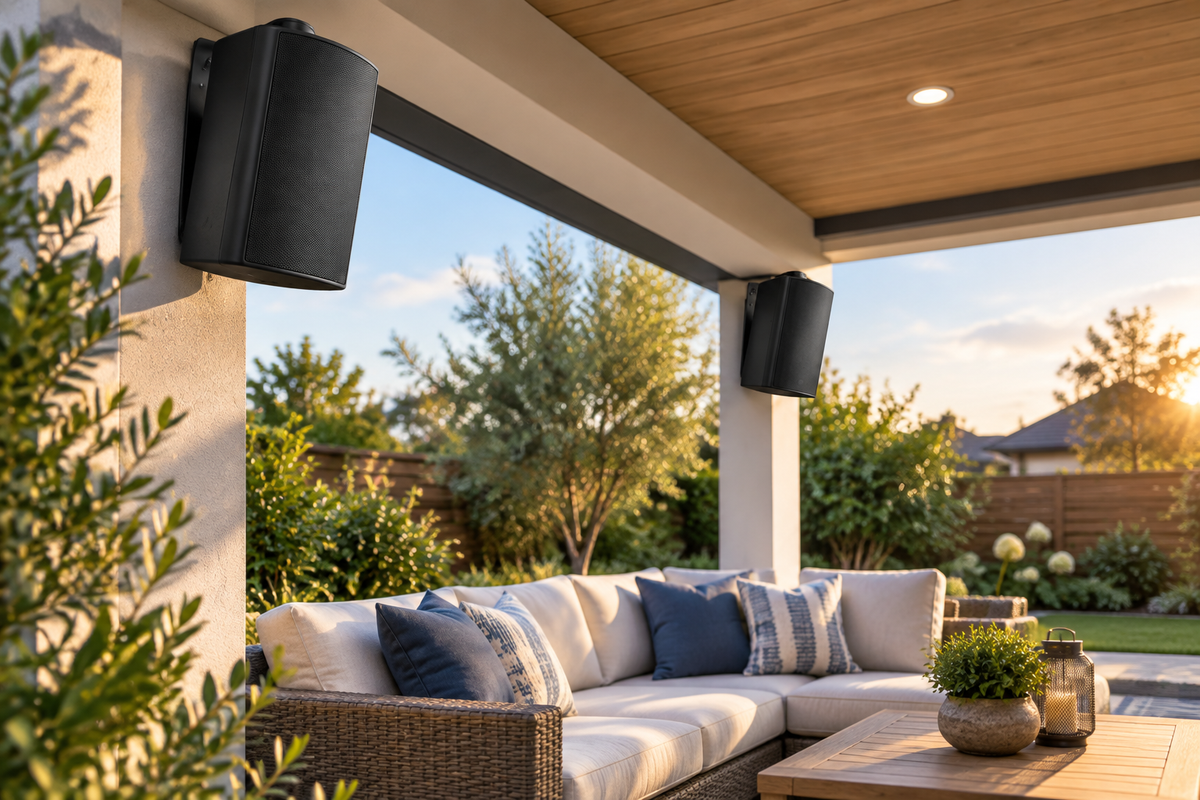
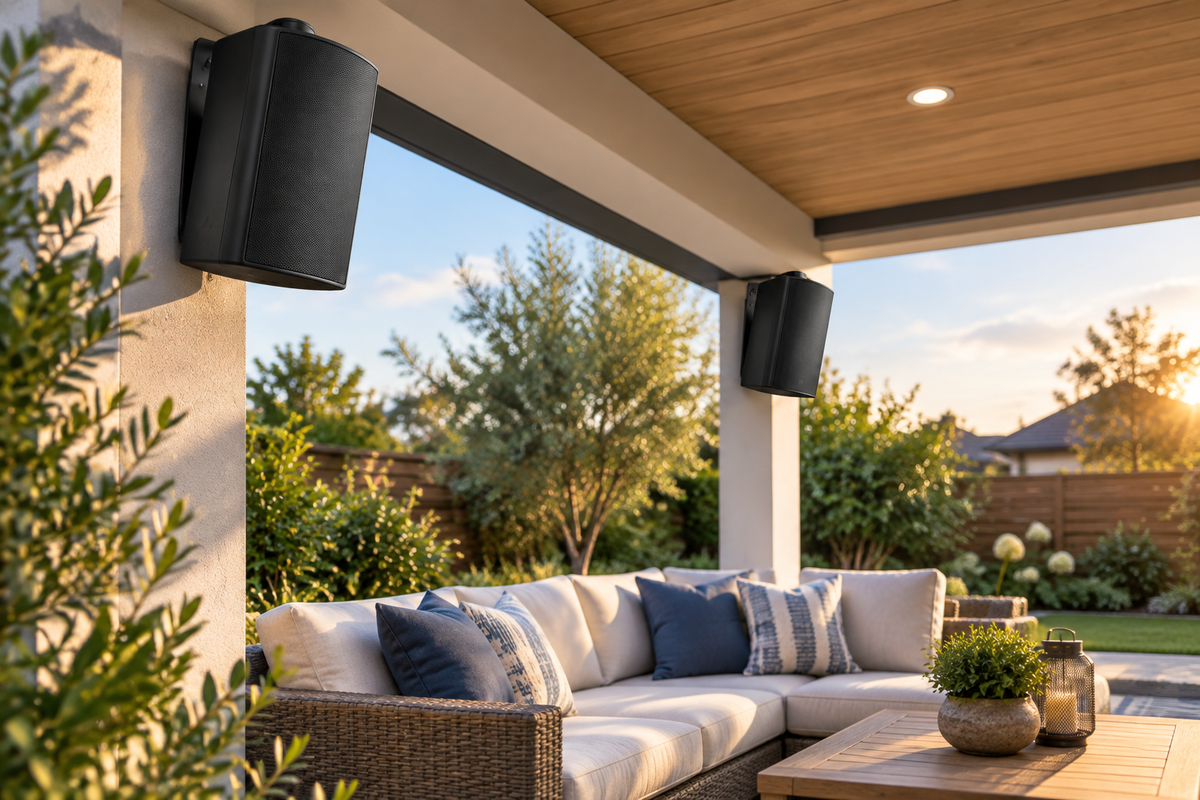
Outdoor speakers can make a patio movie night easier to hear than a small projector's built-in speaker. The key is choosing a connection that your video source and audio system both support.
Before buying adapters, trace the full path: video source, audio output, amplifier or powered speaker, then the remaining speakers. A connector that physically fits is not enough to establish compatibility.
1. Identify Your Outdoor Speaker System
A passive speaker needs a compatible amplifier or receiver. It cannot be driven directly from a TV's headphone socket, optical output or HDMI port.
A powered Bluetooth system includes amplification, but supported inputs vary by model. In Herdio's Bluetooth outdoor wall-mount range, one-pair options use an active/passive speaker arrangement, while two-pair packs include a separate amplifier. Additional inputs and TWS features depend on the exact variant.
Find the input list for your chosen model before deciding how to connect the TV. Do not assume that all speakers in a pack pair individually with the video source.
2. Check the TV or Projector's Audio Outputs
Look in the manual and audio settings for the exact device. Possible outputs include Bluetooth audio transmission, a headphone or analog line output, optical digital audio, or HDMI ARC/eARC. Not every device provides every option.
A projector that can receive Bluetooth from a phone is not necessarily able to transmit movie audio to speakers. Confirm the direction of the Bluetooth function. Likewise, an HDMI input is not automatically an ARC audio output.
If you use a streaming box or laptop, identify whether audio will come from that source or from the TV or projector. Avoid planning two competing audio routes without checking how the devices select their outputs.
3. Option A: Bluetooth Audio
If the TV or projector supports Bluetooth audio output and your powered speaker system supports a compatible connection, place the devices close together for the initial pairing test.
- Power the audio system using the specified adapter.
- Select Bluetooth mode if the system has selectable inputs.
- Enter pairing mode using the exact speaker or amplifier's manual.
- Search for audio devices from the TV or projector's output settings.
- Select the documented device name and confirm it is the chosen playback output.
- Test dialogue at a modest volume before watching a full movie.
Disconnect another phone if it has already reconnected to the speaker system. If the video device cannot transmit Bluetooth audio, an appropriate external transmitter may be an option, but it must accept that device's available output and support a compatible connection.
Do not assume any combination provides low-latency playback. Codec support and delay depend on the whole signal chain.

Herdio Bluetooth Outdoor Speakers
Compare 4-inch, 5.25-inch and 6.5-inch packs. Check your exact variant's inputs and the TV's Bluetooth output support before planning a wireless connection.
4. Option B: Analog Audio to a Supported Input
If the video device has a suitable analog audio output and your amplifier has a compatible AUX or line input, a wired route can avoid Bluetooth pairing and its associated transmission delay. It does not guarantee that every source has zero audio/video delay.
Use the cable appropriate to both connections. A microphone input is not interchangeable with an AUX input. A USB socket also does not automatically accept TV audio.
Begin with low output levels and adjust according to the devices' guidance. A headphone output may have its own volume control, while a line output may behave differently. Check the manual rather than assuming the TV remote will control every connected system.
5. Option C: Optical or HDMI Audio Through Compatible Equipment
Digital outputs need equipment that supports the relevant signal. Optical audio cannot feed a passive speaker directly. HDMI ARC/eARC requires compatible audio equipment or an appropriate converter; an ordinary HDMI cable or passive plug adapter does not turn it into analog audio.
If using a digital-to-analog converter or extractor, check the input type, audio format support, output connections and power requirements. Some converters accept stereo PCM but not every surround format. Select an output format supported by the whole chain, using the TV and converter instructions.
For a receiver-based system, use the receiver's supported inputs and speaker outputs. Do not connect an amplifier's speaker-level output to another unit's AUX input.
6. Passive Speakers: Keep the Amplifier in the Plan
The basic path is TV or projector audio output to a compatible amplifier or receiver input, then speaker cable from the amplifier to the passive speakers.
Herdio's passive outdoor wall-mount range requires an external amplifier, which is not included. Match the amplifier to the selected speakers' impedance and power requirements. Extra speakers must not be added to an output without checking the resulting load.

Herdio Passive Outdoor Speakers
For a wired patio setup with a compatible amplifier or receiver. Explore available sizes and packs, then verify the complete TV-to-amplifier connection before ordering.
7. Check Dialogue Synchronization
Play a familiar scene with visible dialogue. If voices do not match the picture, check any lip-sync or audio-delay controls documented for your TV, source or receiver.
Not every control can correct every direction of delay. If Bluetooth audio arrives late and the available setting only adds more audio delay, that adjustment will not solve it. Compare a supported wired route or ask the equipment manufacturer about the appropriate configuration.
Do not promise synchronized sound from two unrelated Bluetooth systems. TWS support on selected speaker packs is different from universal multi-device audio.
8. Make the Patio Setup Practical
Aim speakers toward the seats and keep dialogue clear without excessive volume. Route cables away from walkways and protect them from pinching or pulling. Keep power adapters, amplifiers, converters and the video device in locations suitable for their own environmental requirements.
An outdoor speaker's weather rating does not make the projector or the rest of the electronics waterproof. Disconnect power before changing speaker wiring, and arrange electrical installation work with a qualified professional.
Frequently Asked Questions
Can every smart TV connect to Bluetooth speakers?
No. Confirm Bluetooth audio output support in the exact TV's documentation.
Can a passive speaker connect directly to a headphone socket?
No. Use a suitable amplifier between the audio source and the speaker.
Will a wired connection eliminate all lip-sync problems?
Not necessarily. It removes the Bluetooth link from the path, but source and video processing can still introduce delay.
Before Movie Night
- Confirm the video device's audio outputs.
- Verify the powered system or amplifier's compatible inputs.
- Check any converter's formats and connections.
- Test playback output, volume and dialogue synchronization.
- Protect electronics and keep cable routes clear.
Test the complete setup before guests arrive. Choose the connection your equipment actually supports, then focus on clear dialogue, comfortable coverage and a tidy installation.