You are ready to play music on the patio, but your outdoor Bluetooth speakers will not connect. Or your phone says connected, yet you hear nothing. Before assuming the speakers are faulty, work through the signal path: power, Bluetooth connection, audio source, amplification and speaker wiring.
This guide focuses on outdoor systems, including an active speaker paired with a passive partner and speaker packs driven by a separate Bluetooth amplifier. Exact controls vary by model, so keep your pack's manual nearby.
Start Here: Identify Your System
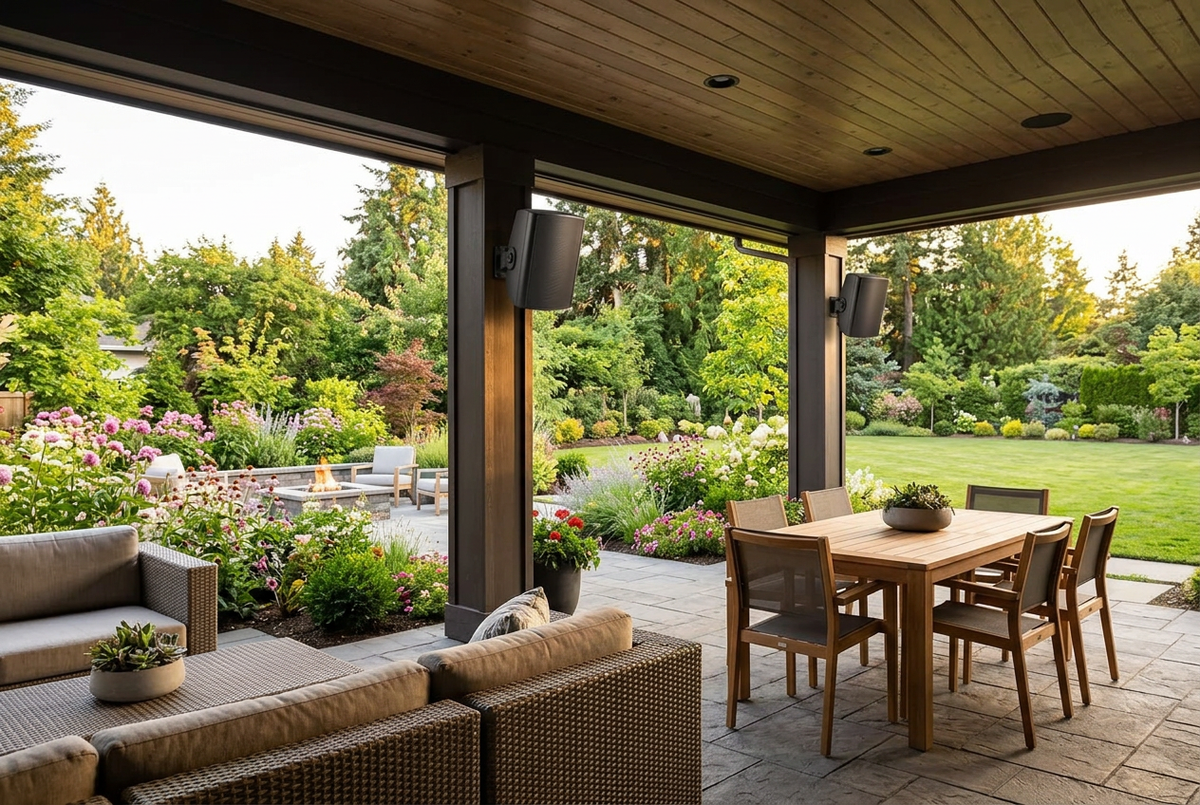
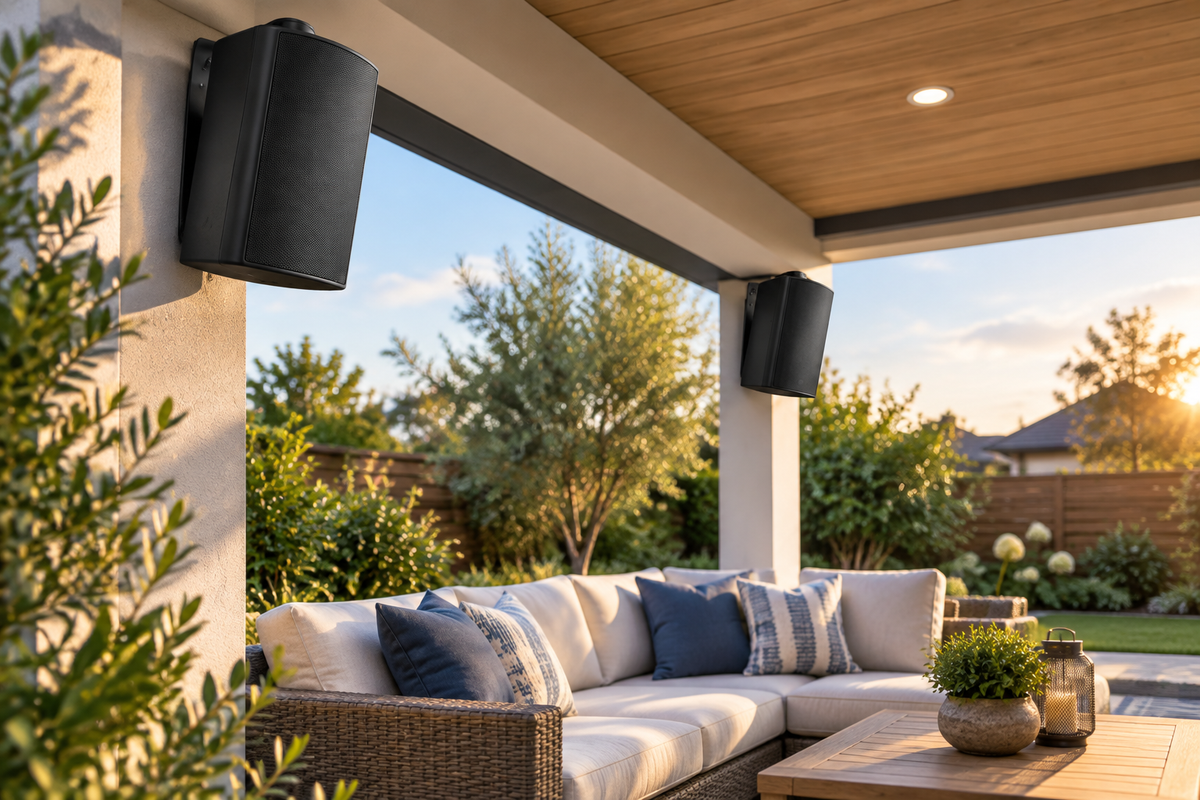
Not every outdoor speaker has its own Bluetooth receiver. In Herdio's Bluetooth outdoor wall-mount range, one-pair options use an active speaker and a passive partner. Two-pair options include a separate amplifier. The phone connects to the powered Bluetooth component, not necessarily to every speaker individually.
Herdio's passive outdoor range requires a compatible external amplifier or receiver. Passive speakers do not appear in a phone's Bluetooth device list. If your amplifier supports Bluetooth, pair the phone with that amplifier instead.
Safety Before Troubleshooting
Switch off and disconnect the system's power before adjusting speaker wiring. Do not handle wet plugs or open powered equipment. If you see damaged insulation, corrosion, overheating or signs that water has entered the electronics, stop using the system and arrange qualified assistance. Do not bypass a protective outlet or keep resetting a tripping circuit.
1. The Speaker Does Not Appear in Bluetooth Settings
Check Power First
Confirm that the active speaker or amplifier is switched on and its supplied power adapter is securely connected. A passive partner does not need its own power adapter, but it does need a correct connection to the powered component. Use the adapter specified for your exact model; a plug that physically fits is not proof of electrical compatibility.
Enter the Correct Bluetooth Mode
Where your unit provides selectable inputs, choose Bluetooth rather than AUX or USB. Follow the manual's pairing instructions and check the indicator or prompt described there. Do not guess a universal reset sequence or pairing-button duration, because these differ between models.
Disconnect a Previously Paired Device
The system may have reconnected to another phone or tablet. Temporarily disconnect that device, then search again from the phone you want to use. For the initial test, keep your phone close to the powered speaker or amplifier.
Refresh the Connection
If an old pairing entry is present but cannot reconnect, remove or forget it on the phone, restart the Bluetooth component according to its manual, and pair again. Select the device name specified for your model rather than a nearby unrelated speaker.

Herdio Bluetooth Outdoor Speakers
Compare 4-inch, 5.25-inch and 6.5-inch packs. Check your selected variant's active/passive arrangement or included amplifier before planning the connections.
2. Bluetooth Says Connected, but There Is No Sound
A successful Bluetooth connection is only one part of the audio path. Start with a familiar music track at low volume, then check the following in order:
- Confirm that playback is actually running in the app.
- Check the phone's media volume, not only its ringtone volume.
- Select the outdoor system as the playback output rather than the phone, earbuds or another device.
- Check the speaker or amplifier's own volume and mute controls, where provided.
- Confirm that the amplifier is on the Bluetooth input.
- Try a different audio app or a locally stored track to separate a streaming problem from a speaker problem.
If possible, test with a second phone. If that phone works, focus on the first phone's pairing, output selection or app settings. If neither works, continue checking the system's power, input selection and wiring.
If your exact amplifier supports AUX or another input, a supported wired source can help narrow down the fault. Use only the inputs and connections described in its manual. Sound from AUX but not Bluetooth points toward the Bluetooth or source path rather than proving a speaker driver is broken.
3. Only One Speaker Plays
In an active/passive pair, the passive speaker usually receives audio through speaker cable from the active unit. Bluetooth pairing alone does not replace that cable.
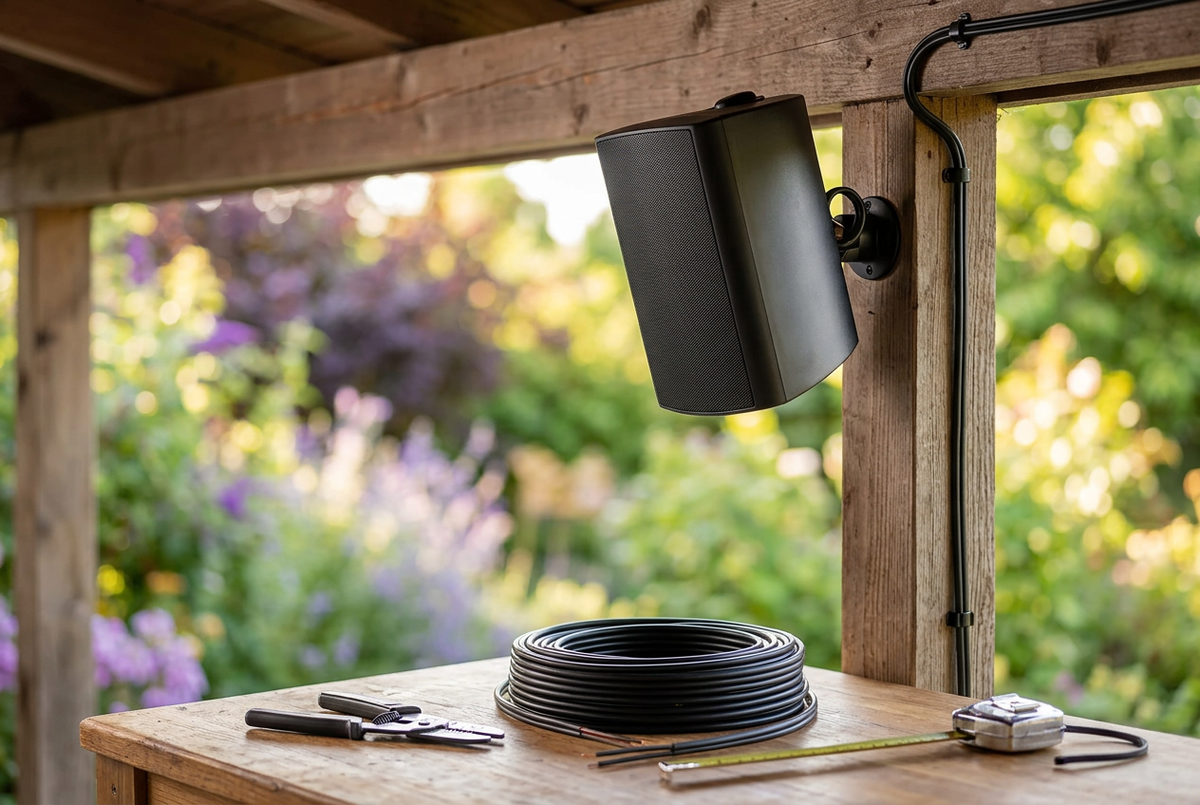
With power disconnected, check that the cable reaches the correct terminals, is securely clamped and has no loose strands bridging positive and negative. Keep polarity consistent. On a separate-amplifier pack, check the appropriate speaker outputs and each cable route against the supplied diagram.
Also check the source's left/right balance settings. Try a normal stereo music track rather than a test file that intentionally plays one channel. If your manual permits a channel-swap test, power off before changing connections and change only one variable at a time. Note whether the symptom follows a cable or remains at one output.
Do not connect speaker outputs together, improvise bridging or add extra speakers to an output without confirming the supported load.
4. Audio Cuts Out When You Walk Into the Yard
Bluetooth reception depends on the route between your phone and the Bluetooth receiver. In a separate-amplifier system, that receiver may be in the amplifier box, not in the speaker nearest to you.
Herdio's Bluetooth outdoor range lists up to 65 feet of range, but walls, doors, metal structures and interference can reduce it. Treat that as a listed maximum, not a guaranteed distance across every property.
Test close to the receiver first. Then move toward your normal listening position while keeping the phone out of a bag or pocket where possible. If playback becomes stable at shorter distance, improve the signal path or keep the source closer. Do not move power equipment into an unprotected outdoor location just to improve reception.
If the music app buffers even while the Bluetooth link stays connected, check the phone's internet connection. Wi-Fi or mobile-data buffering is different from a Bluetooth dropout.
5. Sound Is Distorted or Weak
Reduce the volume first. If the sound becomes clean, avoid pushing the system back into distortion. Check that the source and amplifier settings are not applying excessive bass boost, and test another track.
For passive systems, confirm amplifier compatibility with the exact speaker variant's impedance and power requirements. A system's advertised peak wattage is not an instruction to drive it continuously at that level. Weak sound can also result from placement or wiring problems, so inspect those before buying a larger amplifier.
6. Four Speakers Will Not Pair the Way You Expected
Four speakers do not automatically mean four independent Bluetooth receivers. A two-pair pack may use a single amplifier with cables to all speakers. TWS is available only on selected configurations and is not the same as independently controlled zones.
Follow the exact pack's connection diagram. Do not assume that every Herdio model can join every other model wirelessly, or that a phone can send synchronized audio to multiple unrelated devices. If you need separate music or volume in different areas, verify the amplifier's zone capabilities before changing the setup.

Using an Existing Amplifier?
Herdio passive outdoor speakers connect through speaker cable to a compatible amplifier or receiver. The amplifier is not included, and Bluetooth depends on your chosen amplifier.
When to Ask for Help
If the basic checks do not solve the problem, contact the support channel shown on your order or product documentation. Include the exact model and pack, your source device, whether one or every speaker is affected, the indicator behavior and a photo of the connections taken with power disconnected. Explain which tests you have already tried.
Stop testing if the system overheats, smells unusual, has damaged wiring or shows signs of water ingress. A weather-resistant speaker enclosure does not make its power adapter or amplifier waterproof.
Frequently Asked Questions
Should both speakers appear in my phone's Bluetooth list?
Not necessarily. An active/passive pair typically uses one Bluetooth receiver, while the passive partner is connected by cable. Check your exact system's manual.
Can I fix a passive speaker by pairing it again?
No. A passive speaker has no Bluetooth pairing function. Check its cable and compatible amplifier instead.
Is there one reset method for all Herdio speakers?
Do not assume so. Use the documented procedure for your exact model; button functions and timing can vary.
A Reliable Order for Testing
Check power, then the selected input, pairing, playback output, volume and speaker wiring. Change one thing at a time and test at a modest volume. This approach helps separate a phone setting or cable issue from a fault that needs further assistance.